What Is Thai VPS, and How Is It Different from Shared Hosting?
Short answer: Thai VPS is a Virtual Private Server that gives you a more isolated server environment than shared hosting. You can install the software, runtime, web server, database, and configuration that fit your own project, while the service's infrastructure is located in Thailand.
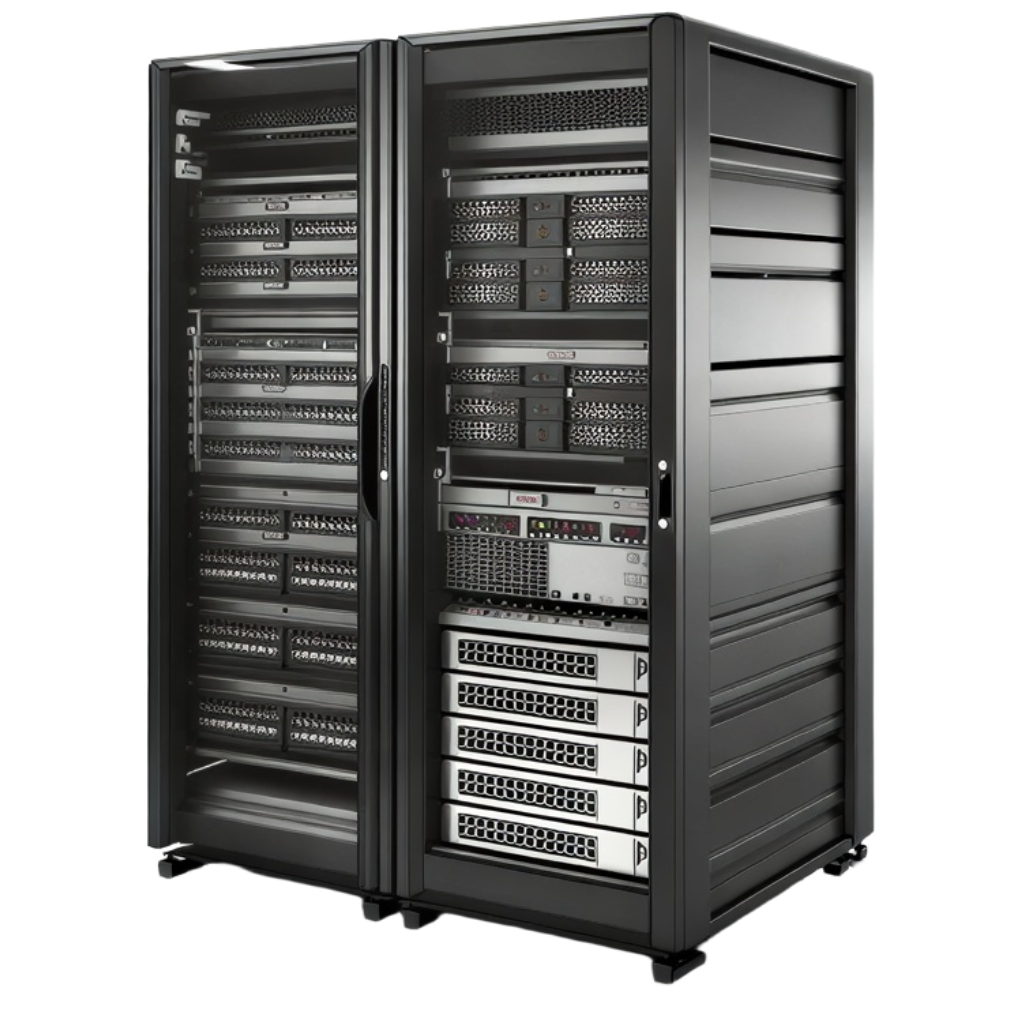
A VPS, or Virtual Private Server, comes from splitting a physical server’s resources into multiple virtual environments. Each VPS can run its own operating system, application configuration, and resource allocation according to the package chosen, giving administrators far more freedom than shared hosting, where many users are stuck under one provider-wide configuration.
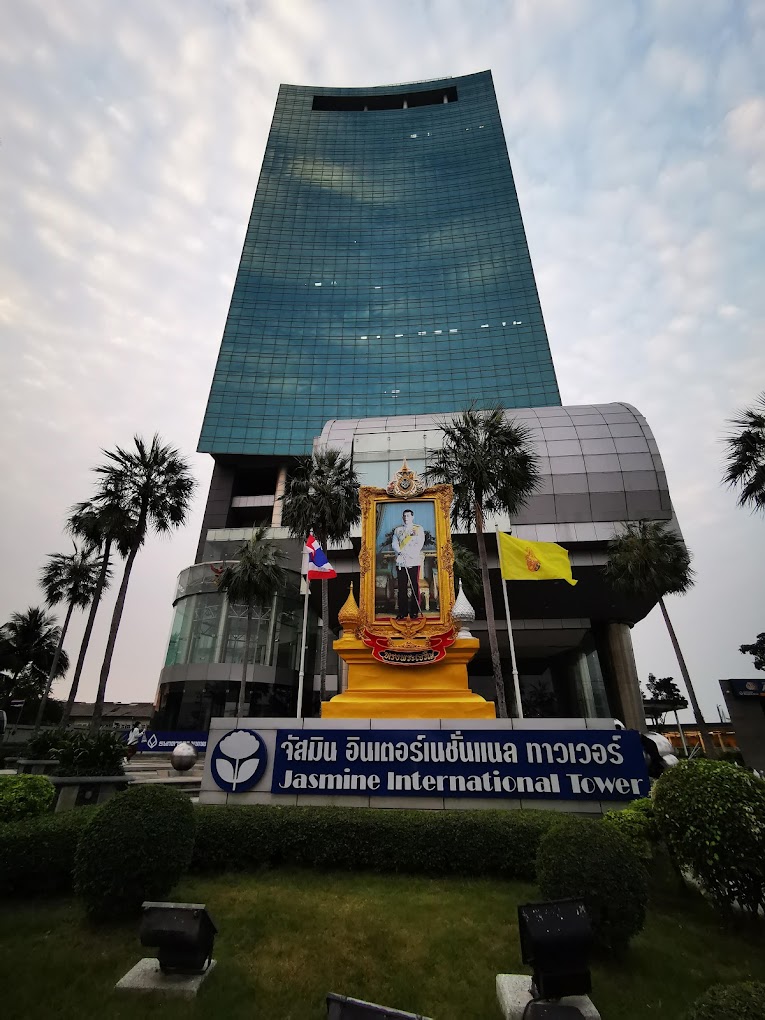
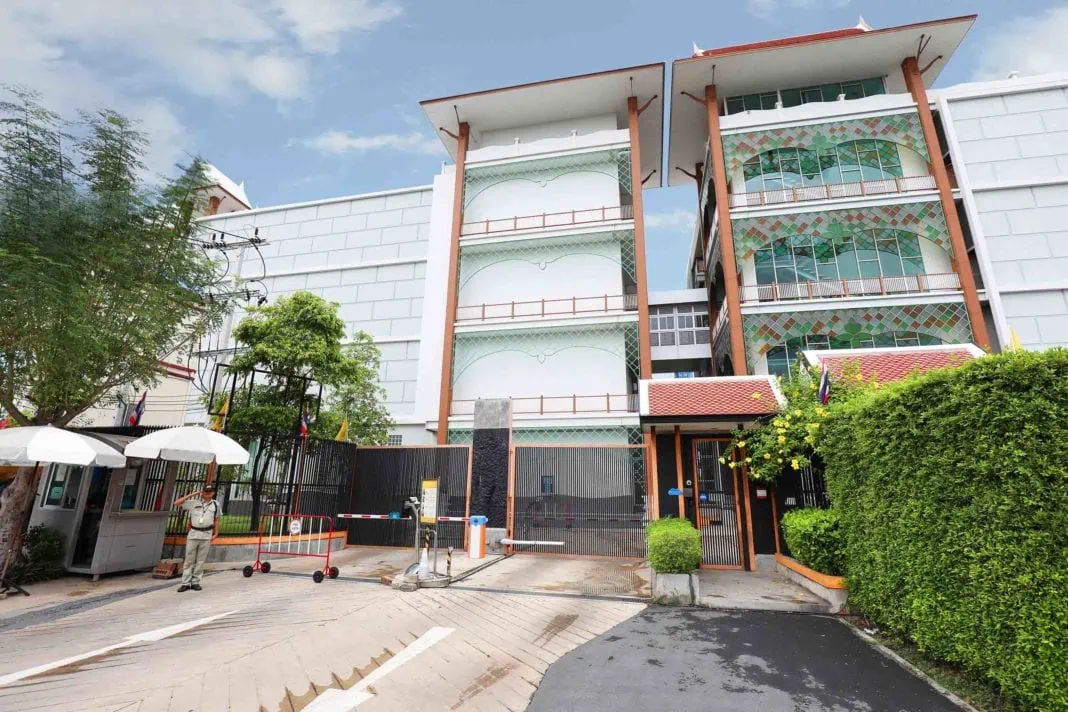
The terms Thai VPS and Thai VPS Hosting generally refer to a VPS built to serve workloads in Thailand or running on infrastructure located within Thailand. For Serva, servers are deployed in JasTel's data center in Thailand, with 99.97% datacenter uptime and round-the-clock monitoring, as stated on the website.
The advantage of a VPS isn't just more CPU or RAM — it's greater control over the software stack: installing Nginx, Apache, Node.js, PHP, Python, Docker, a database, or whatever service the system needs, plus configuring firewalls, monitoring, and backups to fit each organization's production environment.
Having a server in Thailand doesn't automatically make every website faster. Real-world performance still depends on the application, database queries, caching, CDN, network routing, file sizes, and overall system configuration working together — so a VPS should be treated as one part of the architecture, not the only factor.
Why Businesses and Developers Choose Thai VPS Hosting in Thailand
Short answer: The main reasons are matching infrastructure location to your user base, having greater control over the server environment, and being able to pick resources that fit your own website, application, or backend service.
Infrastructure Located in Thailand
For services whose main users are in Thailand, datacenter location and network routing are part of what determines latency between client and server. Choosing a VPS in Thailand is a factor worth testing against your real workload, especially for systems with constant request traffic between users and backend.
Greater Control Over the Server Environment
Administrators can choose the operating system and install a software stack to fit their requirements — ideal for teams that deploy applications themselves and need to configure ports, firewalls, reverse proxies, runtimes, or services that typical shared hosting doesn't support.
Scale Resources to Match the Workload
A small website and a database server or container workload need very different resources. A VPS lets you pick CPU, RAM, and storage to match the actual load, and makes it easier to plan for growth as traffic or service count increases than starting out with your own physical server.
Suited to Both Linux and Windows Workloads
Serva's Cloud VPS supports either Ubuntu or Windows Server, covering both Linux-side web stacks and applications that require a Windows environment depending on the software's requirements.
What Kinds of Workloads Is Thai VPS Hosting Suited For?
A VPS isn't only for running a website — it can serve as infrastructure for many kinds of work, as long as you choose the right specification and manage security to match how critical the system is.
Corporate Websites and Landing Pages
Company websites that need an environment separate from shared hosting can use a VPS as a web server, giving full control over the web stack, SSL, caching, redirects, logs, and deployment process — ideal for teams who want more configuration control than off-the-shelf hosting offers.
WordPress Sites and CMS Platforms
A VPS can host WordPress or other CMS platforms, letting administrators set the PHP version, database, object cache, web server, and security policy themselves. That said, WordPress performance still depends on theme, plugins, database, caching, and traffic volume, so resources should be sized to actual usage.
Backend Applications and REST APIs
Developers can deploy a backend written in Node.js, Python, PHP, or another runtime on a VPS and connect it to a frontend, mobile app, or third-party service via API — well suited to systems that need direct control over processes, environment variables, reverse proxies, and application logs.
Databases and Backend Systems
A VPS can run a relational database, internal dashboard, or backend service, but any system storing important data should take authentication, firewalls, backups, monitoring, and disaster recovery seriously — and avoid exposing database ports to the public internet unnecessarily.
Docker and Container Workloads
Teams building containerized applications can use a VPS as a Docker host to run web services, workers, queues, databases, or a monitoring stack together — just size RAM, CPU, and storage I/O against the number of containers and workloads running concurrently.
Development, Testing, and Staging Servers
Development teams can build a staging environment close to production to test releases before they go live, reducing drift between a developer's machine and the server and making deployment through Git or a CI/CD pipeline more systematic.
Automation Bots, Data Pipelines, and AI Workloads
Serva already offers AI & Data Pipeline, automation bot, and VPS setup services. For workloads that need heavier compute, the website also lists Dedicated Servers and NVIDIA GPUs for AI, inference, and compute-heavy work — often a better fit than forcing a heavy workload onto a small VPS.
Thai VPS vs. Overseas VPS: Which Should You Choose?
Short answer: If your users and systems are mostly based in Thailand, a Thai VPS is worth testing. If users are spread across multiple countries or the system needs to run close to an overseas region, another cloud region or a multi-region setup combined with a CDN may fit better, depending on the system.
| Comparison |
Thai VPS |
Overseas VPS |
| Infrastructure Location |
Located in Thailand — suited to systems that want their server close to the Thai market |
Choose from many countries and regions, depending on the provider |
| Primary User Base |
Suited to websites, apps, or backends whose main users are in Thailand |
Suited to systems that need to place workloads near users in another country or region |
| Latency |
Distance and network routing may favor users in Thailand, but should always be tested in practice |
Depends on region, ISP, route, and where the user is located |
| System Administration |
Depends on the package and services offered by the provider |
Varies by provider and service tier |
| Best Suited For |
Websites, APIs, backends, business systems, staging, and workloads based in Thailand |
Global applications, overseas markets, or workloads that need to sit close to overseas services |
If a system has users both in Thailand and overseas, the right approach may not be picking just one country — it could mean using a CDN, caching, object storage, multiple regions, or splitting services by function. Choosing hosting should start from architecture and traffic patterns, not just the label "Thai" or "overseas."
How to Choose Thai VPS Hosting for Your Website and Systems
Short answer: Start from the workload, then choose the right CPU, RAM, storage, operating system, and network — and have monitoring, security, and backups in place before putting the system into production.
1. Assess CPU Needs from Your Processing Pattern
A static site or lightweight app may not need much CPU, while build processes, workers, image or data processing, and applications with high concurrent requests may need more. Base sizing on real monitoring data rather than guessing from visitor counts alone.
2. Size RAM Based on Service Count and Working Set
RAM is critical for databases, runtimes, caches, and containers. If a machine starts swapping heavily, performance can drop, so RAM sizing should account for the OS, application processes, database, cache, and a buffer for traffic spikes.
3. Consider Both Storage Capacity and Type
Disk space isn't the only number that matters. Systems with heavy databases or logs need to weigh I/O and room to grow. Serva's Cloud VPS uses SSD storage, suited to typical workloads that need storage for the OS, applications, and data.
4. Choose Ubuntu or Windows Server Based on Your Software Stack
Ubuntu suits most Linux-side web stacks and tooling, while Windows Server suits software that depends on a Windows environment. Choose based on application compatibility, licensing, and your admin team's familiarity — not simply on popularity.
5. Plan Public IP, Firewall, and Network
A public IP lets a service accept external connections, but anything that doesn't need to be public should be restricted via firewall or private access. The core principle: open only the ports you need, use strong authentication, and keep software updated.
6. Set Up Monitoring and Backups Before Problems Happen
A production server should have monitoring for CPU, RAM, storage, processes, and availability, plus backups that have actually been tested for restore. Having backups you've never tested restoring may not be enough when an incident happens.
- Small websites: Start with enough resources for the web server, runtime, and database, then monitor and scale up as needed.
- API or backend: Prioritize concurrency, memory usage, connection pooling, and logs.
- Database: Allow headroom for RAM and storage I/O, with a clear backup strategy.
- Docker: Sum the resources of every container running at once — don't size one service at a time.
- AI or compute-heavy: Consider a Dedicated Server or GPU if the workload outgrows a typical VPS.
What Does Serva's Thai VPS Hosting Include?
Serva provides Cloud VPS in Thailand with SSD storage and a public IP, with a choice of Ubuntu or Windows Server. The website lists a starting price of ฿147 per month — suited to anyone who wants to run a website, backend, API, development environment, or business system on their own server environment.
Beyond Cloud VPS, Serva also offers Dedicated Servers for workloads that need direct hardware access, plus NVIDIA GPUs for AI and compute workloads. There’s also AI & Data Pipelines, automation bot, and VPS Setup services, covering OS hardening, firewall, monitoring, and backup configuration as detailed on the website.
What's worth considering when choosing Serva is infrastructure located in Thailand and a product line that scales from VPS up to Dedicated Server and GPU as a system grows. That said, the right specification should always come from your application's real requirements, and performance should be tested after every deploy.
Frequently Asked Questions About Thai VPS Hosting
What is Thai VPS?
Thai VPS is a Virtual Private Server used to run websites, applications, APIs, databases, and other services. In Serva’s case, the infrastructure is located in Thailand, and users can choose resources and an operating system from the available packages.
Who is Thai VPS Hosting for?
It's suited to website owners, developers, IT teams, and businesses that want more control over their server environment than shared hosting allows, especially systems whose main users or workload are based in Thailand.
Can a Thai VPS be used to host a website?
Yes. You can install a web server, runtime, database, and CMS such as WordPress based on the software stack you need — just size CPU, RAM, and storage to your actual traffic and application.
Can a Thai VPS run an API or backend?
Yes. A VPS suits backend services and APIs well since you control the runtime, processes, reverse proxy, environment variables, and firewall yourself — just make sure security and monitoring match a production workload.
Does Serva's Thai VPS support Ubuntu?
Yes. Serva's website states that Cloud VPS can run either Ubuntu or Windows Server, supporting a wide range of software stacks.
How is Thai VPS different from shared hosting?
Shared hosting typically runs on a common configuration shared across many users, with more limited customization. A VPS gives you an environment where you can install software and configure the server yourself — better suited to applications that need deployment flexibility.
How is Thai VPS different from a Dedicated Server?
A VPS is a virtual server running on shared physical infrastructure, while a Dedicated Server gives you an entire machine's hardware directly. A Dedicated Server suits workloads that need more resources or direct hardware access, while a VPS is better for getting started or workloads that don't yet need a whole machine.
Does having a server in Thailand help with latency?
Server location is one factor affecting latency and network path, but it can't guarantee a single number for every user, since ISP, routing, application performance, and user location all play a role. Latency and response time should be tested from the network your real users actually use.
What VPS specification should I choose?
There's no single spec that fits every system. Look at CPU usage, RAM usage, disk usage, concurrent requests, the database, and how many services run at once. If you don't have that data yet, start with a spec that meets the minimum requirement and use monitoring to measure before upgrading.
Can I run Docker on a VPS?
Generally yes — a VPS can serve as a Docker host if the operating system and configuration support it. Just account for the combined resource usage of every container and plan persistent storage, networking, logs, and backups accordingly.
If my workload grows, can I move to a Dedicated Server?
Yes — you can plan a migration from VPS to Dedicated Server once your application needs more CPU, RAM, storage I/O, or direct hardware access. Plan out deployment, database migration, DNS, and a rollback plan before moving a production workload.